How to Reduce No-Shows Without Annoying Your Clients
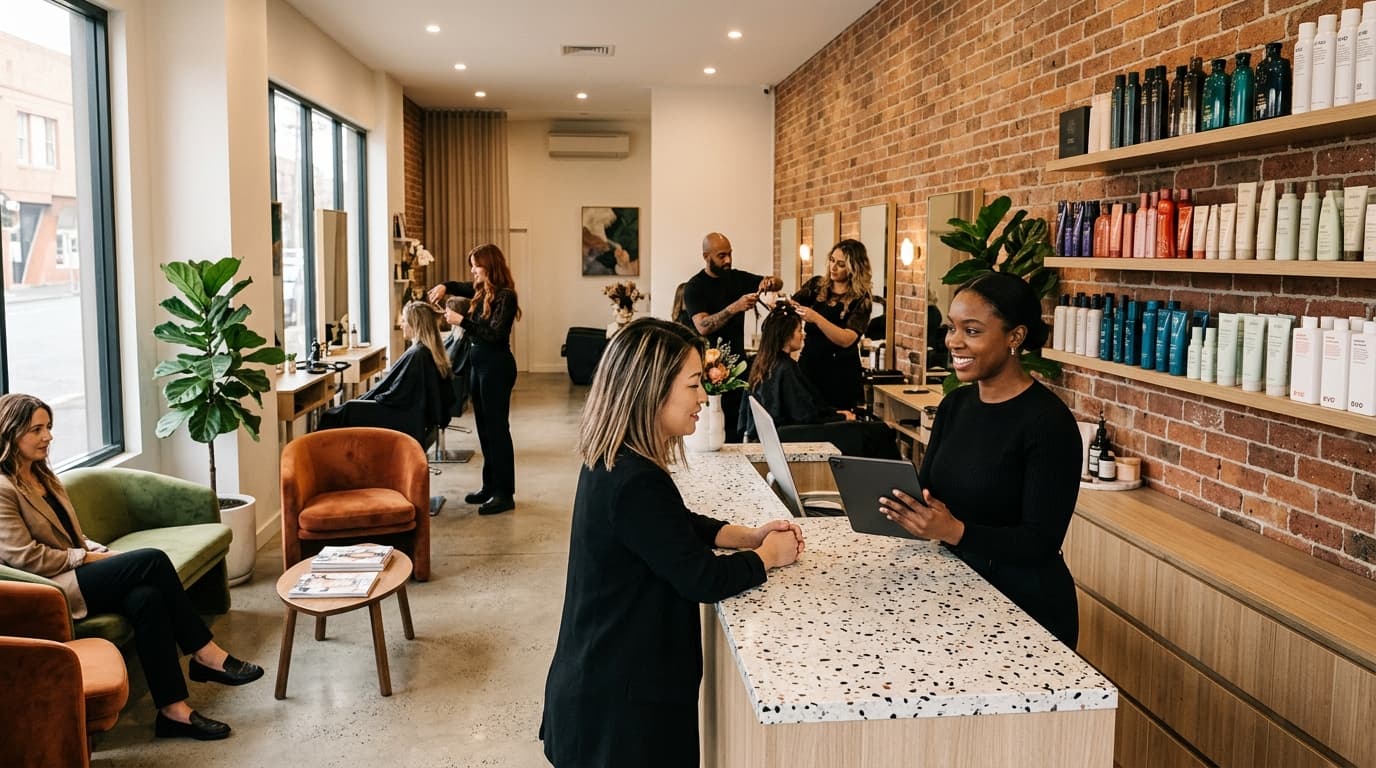
The average salon loses 5 to 8 percent of its annual revenue to no-shows. On a $180,000-a-year business, that is between $9,000 and $14,400 walking out the door without ever sitting in your chair. That is a team member's wage. That is your equipment upgrade. That is money you earned through marketing, reputation, and skill, gone because someone forgot, changed their mind, or just didn't bother.
The good news: most no-shows are preventable. Not by being aggressive, not by charging everyone upfront, and not by sending five reminder texts that make clients feel pestered. The right approach is quieter than that. It is about setting expectations early, making deposits feel normal, and giving clients an easy way out that still keeps them on your books.
Here is how to do it step by step.
Step 1: Understand Where Your No-Show Rate Is Coming From
Before you change anything, know your numbers. Pull your appointment data for the last 90 days and look at three things: which services have the highest no-show rate, which days of the week are worst, and whether new clients or returning clients are the bigger problem.
New clients no-show at roughly twice the rate of returning ones. That matters because it changes your strategy. A blanket deposit policy applied to everyone may frustrate loyal clients who have never missed an appointment. Targeting deposits at new clients and high-value services is more precise and less likely to create friction.
OpenChair's Intelligence dashboard shows you no-show rates by service, stylist, and time period. Spend ten minutes in there before you build any new policy.
Step 2: Set Deposit Requirements That Feel Normal, Not Punitive

Deposits work. The data is clear on this. A client who has paid $30 upfront is far less likely to ghost you than one who has paid nothing. The challenge is making the deposit feel like a natural part of booking rather than a sign that you don't trust them.
The most effective approach is a threshold-based deposit policy: require a deposit only for services above a certain dollar value. Services priced at $80 or more are a good starting point. This means a quick trim or a tint touch-up books without friction, while a full colour, extensions, or a bridal package requires a holding amount.
A few things that make deposits convert better:
- Show the deposit amount early. Display it on the service page before the client reaches checkout. Surprises at the payment step cause drop-offs.
- Frame it as securing the appointment. Language like "A $40 deposit holds your booking and is applied to your total" reads very differently from "Payment required to confirm."
- Set a clear refund window. Tell clients upfront: cancel more than 48 hours before your appointment and your deposit is refunded in full. This removes the fear of being locked in.
OpenChair lets you set deposit rules by service category and dollar threshold. You can also embed your refund language directly into the confirmation email so clients have it in writing before the day arrives.
Step 3: Get Your Reminder Timing Right

Most salons either send one reminder or send too many. Both are problems. One reminder gets missed. Too many feel like harassment.
The combination that produces the lowest no-show rate in practice is simple: a 48-hour email followed by a 3-hour SMS. The email gives clients enough time to reschedule if something has come up. The SMS is a short, friendly nudge on the day itself when the appointment is close enough to feel real.
The 3-hour window is deliberate. It is close enough that the client is thinking about their afternoon, but far enough that they can still contact you if they need to cancel without leaving you with an empty slot you cannot fill.
Your reminder messages should:
- Confirm the date, time, service, and stylist name
- Include a one-tap confirm or reschedule option
- State your cancellation policy in one plain sentence
- Never feel automated or cold, use the client's first name and write like a person
OpenChair sends both reminders automatically. You write the message once, and it goes out at the right time every time.
Step 4: Display Your Cancellation Policy at the Booking Stage
One of the most common sources of disputes is not the policy itself, it is the timing of when the client first sees it. If they only encounter your cancellation terms when they are trying to get a refund, you have already lost the argument.
Display your policy at two points: on the booking page before the client confirms, and in the confirmation email immediately after. This is not about being heavy-handed. It is about making sure everyone is on the same page before the appointment exists.
Keep the language plain. "Cancellations made less than 24 hours before your appointment will forfeit the deposit" is clear. "Please refer to our terms and conditions regarding booking modifications" is not.
When the policy is visible and written in plain English, disputes drop significantly. Clients who cancel late and lose their deposit are far less likely to dispute the charge when they saw the terms at booking time and again in their confirmation.
Step 5: Turn Cancellations Into Reschedules With Counter-Offers

Here is the step most salons skip entirely. When a client cancels, the instinct is to accept the cancellation and move on. But a cancellation is not the same as a lost client. It is a client who still wants to come in, just not at that time.
A counter-offer is a set of alternative appointment slots sent to the client immediately after they cancel. Give them three to five options they can accept with a single tap. No phone call required. No back-and-forth. Just: "We are sorry you can't make it. Here are some other times that work."
This one step can convert 20 to 30 percent of cancellations into reschedules. The client stays on your books. The slot gets filled. And the interaction feels helpful rather than transactional.
OpenChair's smart rescheduling feature does this automatically. When a client cancels, the system identifies available slots that match their original service and stylist and sends the options via SMS. The client taps to confirm. You get notified. The gap fills itself.
Step 6: Use Your Waitlist to Fill Last-Minute Gaps

Even with the best systems in place, some no-shows will still happen. The question is how quickly you can fill the slot.
A well-managed waitlist turns a $150 gap into a $150 booking within minutes. The key is that the waitlist has to be active and automated. A paper list or a mental note does not move fast enough.
OpenChair's predictive waitlist identifies clients who are likely to want the newly available slot based on their service history and preferred times. It sends them a notification automatically. The first to respond gets the booking.
This does not just recover lost revenue. It also builds goodwill with clients who have been waiting for an earlier appointment. They get in sooner. You fill the gap. Everyone wins.
Step 7: Review and Adjust Every 30 Days
No-show reduction is not a set-and-forget task. Your client mix changes. Your service menu changes. What works in January may not work in July.
Set a monthly reminder to check three numbers: your no-show rate, your deposit conversion rate, and your cancellation-to-reschedule rate. If no-shows are creeping up, look at whether your reminder timing is still right or whether a particular service category is the culprit.
OpenChair's Intelligence reports give you these numbers without manual calculation. The AI-generated narrative tells you what changed and why, so you are not staring at a spreadsheet trying to work out the story yourself.
Your No-Show Reduction Checklist
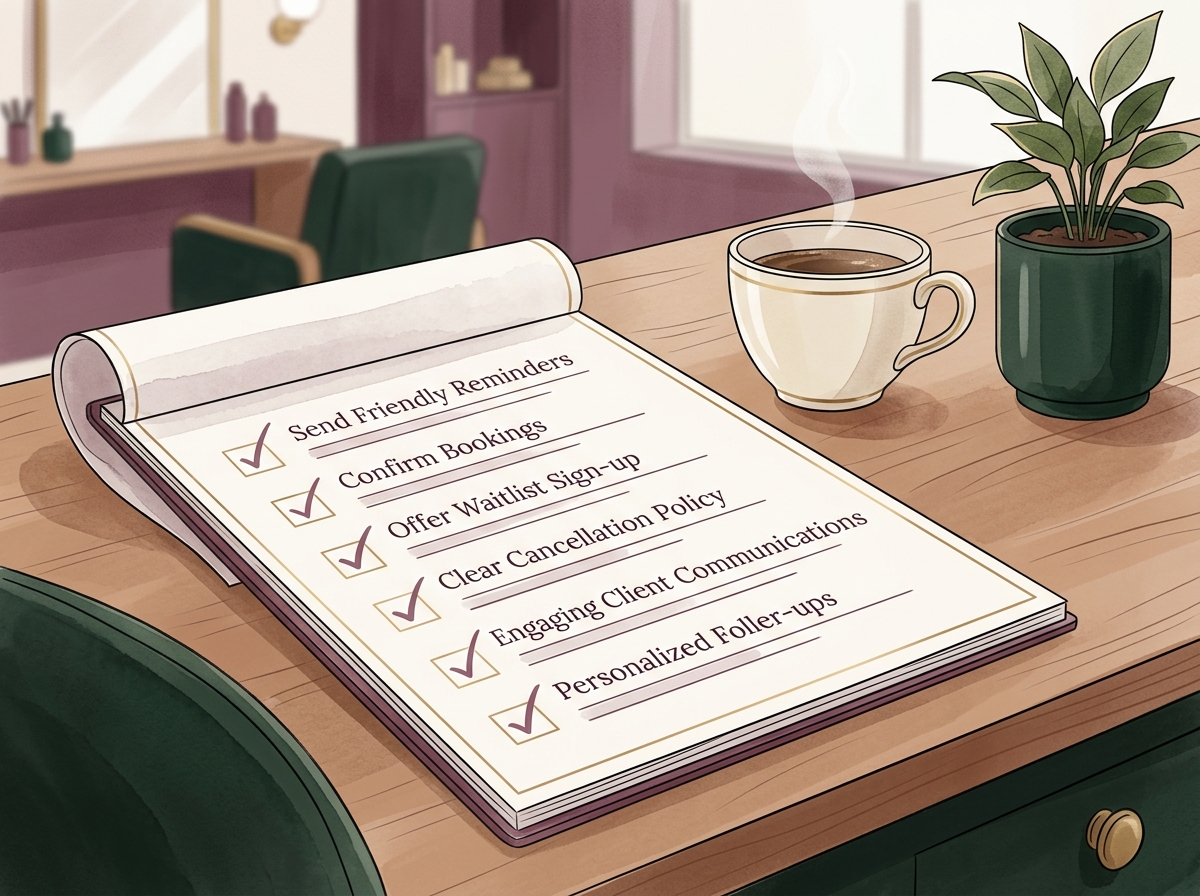
- [ ] Pull your no-show data by service, day, and client type before changing anything
- [ ] Set threshold-based deposits for services over $80
- [ ] Display deposit and refund terms on the booking page and in the confirmation email
- [ ] Configure a 48-hour email reminder and a 3-hour SMS reminder
- [ ] Write reminder messages in plain, warm language with a one-tap reschedule option
- [ ] Activate counter-offers so cancellations automatically trigger alternative slot suggestions
- [ ] Set up your waitlist to fill last-minute gaps automatically
- [ ] Review your no-show rate, deposit conversion, and reschedule rate every 30 days
Every one of these steps is available inside OpenChair without a third-party integration or a developer. The goal is a booking experience that feels easy for your clients and protects your revenue at the same time. Fewer gaps in your column means more consistent income, less stress on your team, and a business that runs the way it should.